
 Build custom widgets with AI — No code needed
How to use circular text for Wix logos, badges, and stickers
Featured Apps
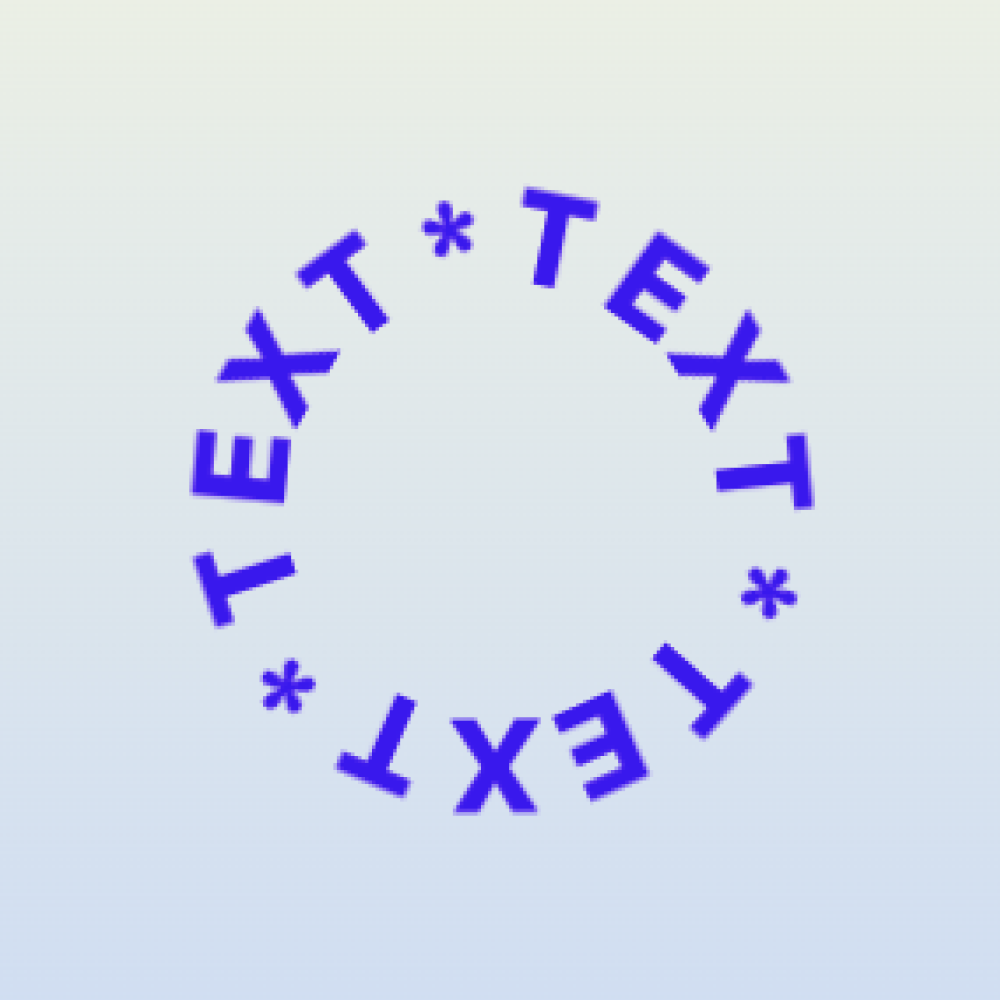
Circular text is a natural fit for badges and sticker-style elements. It can frame a logo, highlight a campaign, or make a page section feel more branded.
Logo-style use
Use the business name, category, city, or founding year around a small central mark. Keep it simple enough that the mark still works at small sizes.
Sticker-style use
Try short phrases such as new collection, limited seats, made in Taiwan, fresh menu, open now, or member favorite. These work well near hero images, product cards, or event sections.
Design checklist
- Use short text.
- Match brand colors.
- Leave enough whitespace.
- Keep the central area simple.
- Check mobile sizing.
Where to place it
Circular text works well in hero sections, product highlights, about sections, launch pages, and creative portfolios. Avoid placing it where visitors expect plain instructional text.