
 Build custom widgets with AI — No code needed
How to add circular text to a Wix website
Featured Apps
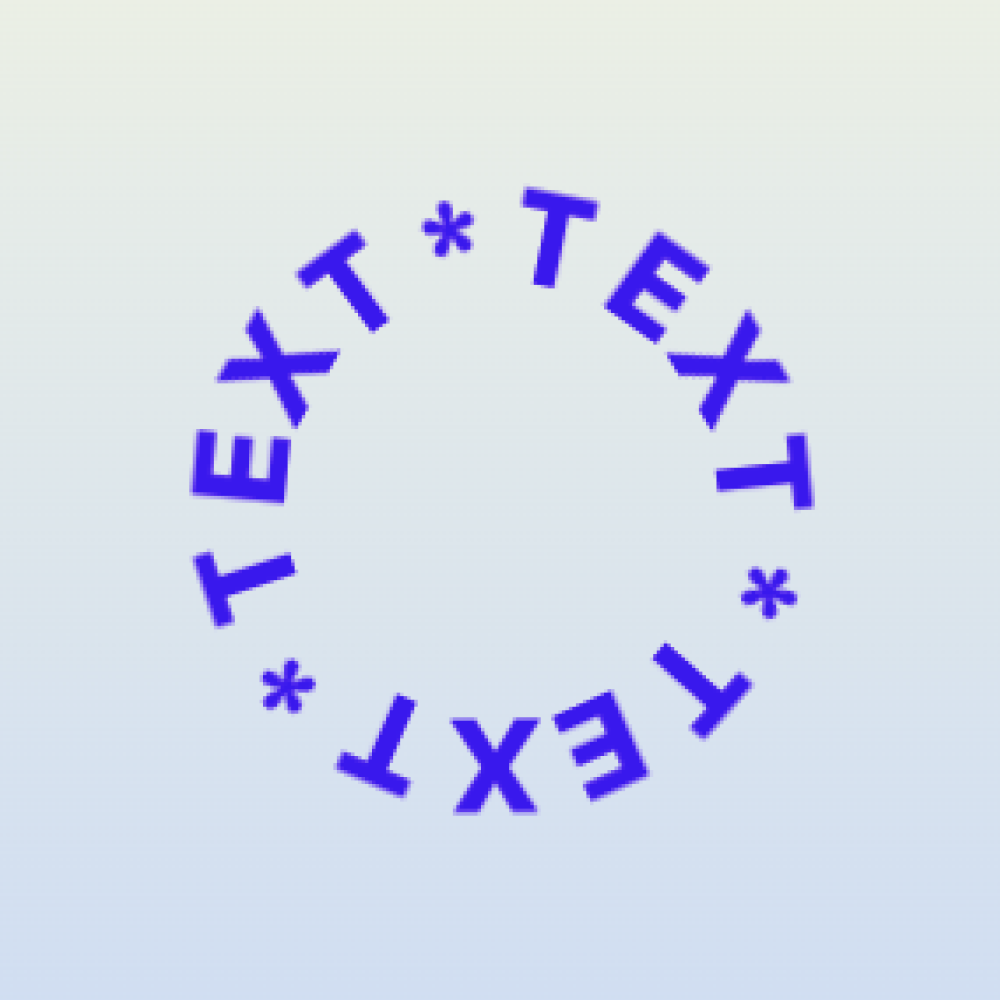
Circular text can make badges, logos, stickers, hero accents, product labels, event graphics, and portfolio pages feel more custom. Circular Text gives Wix site owners a no-code way to add curved or circular lettering without exporting graphics from design software.
Common use cases
- Logo-style badges.
- Sale or new arrival stickers.
- Event dates wrapped around a circle.
- Portfolio and creative agency accents.
- Restaurant, cafe, or boutique labels.
Setup workflow
- Choose the section where circular text supports the design.
- Add Circular Text from the Wix App Market.
- Enter the text and adjust the circle, size, spacing, and style.
- Match the colors and font to the page.
- Preview on mobile before publishing.
Design tip
Circular text works best as an accent, not as the main paragraph. Keep the words short and legible. If visitors have to rotate their head or guess the message, the element is decorative but not useful.
Best text types
- Short slogans.
- Brand names.
- Dates.
- Limited offer labels.
- Category or collection names.