
AI Components: Custom Widgets
Build custom widgets with AI — No code needed
- Design Elements

What it does
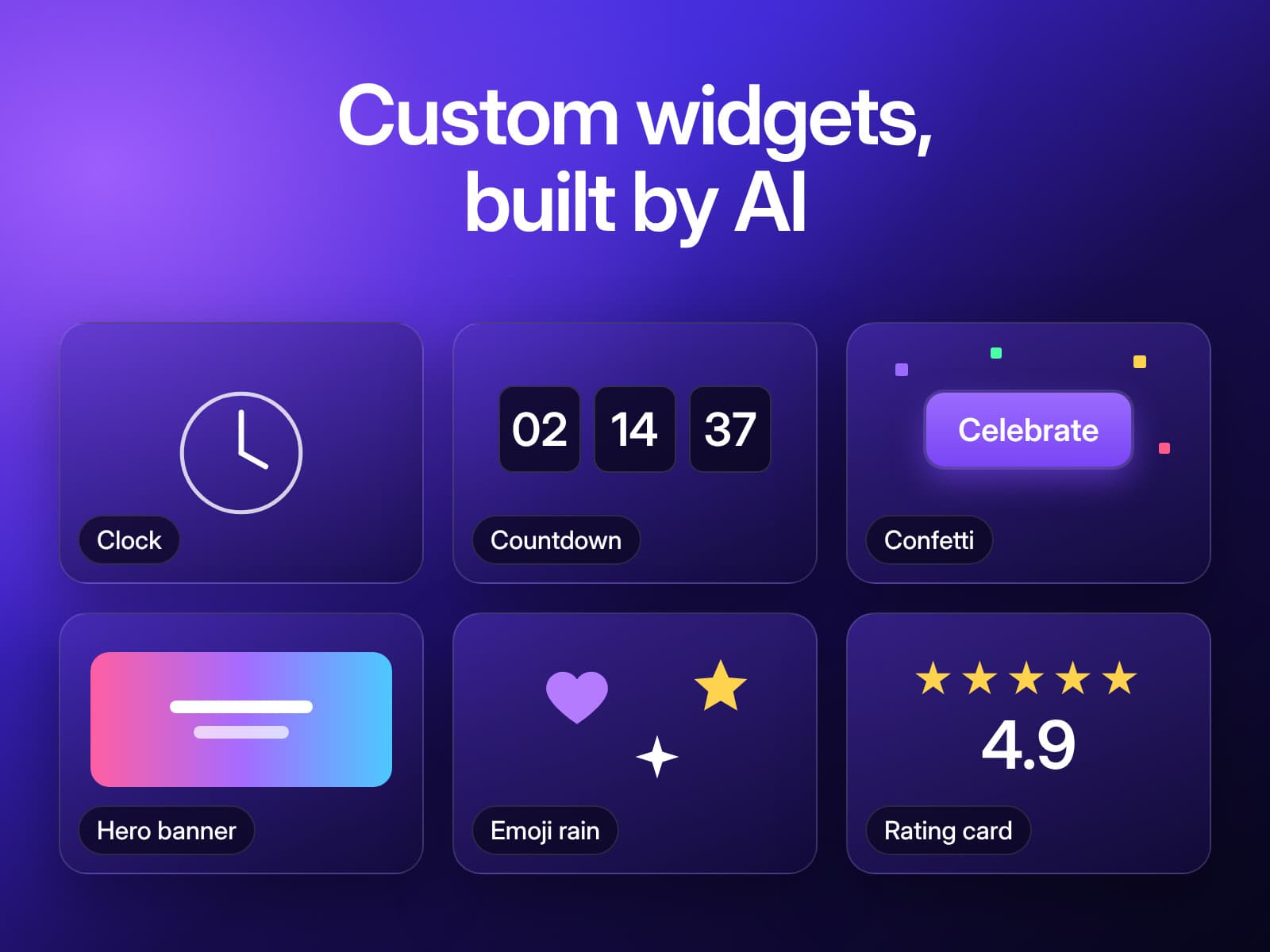
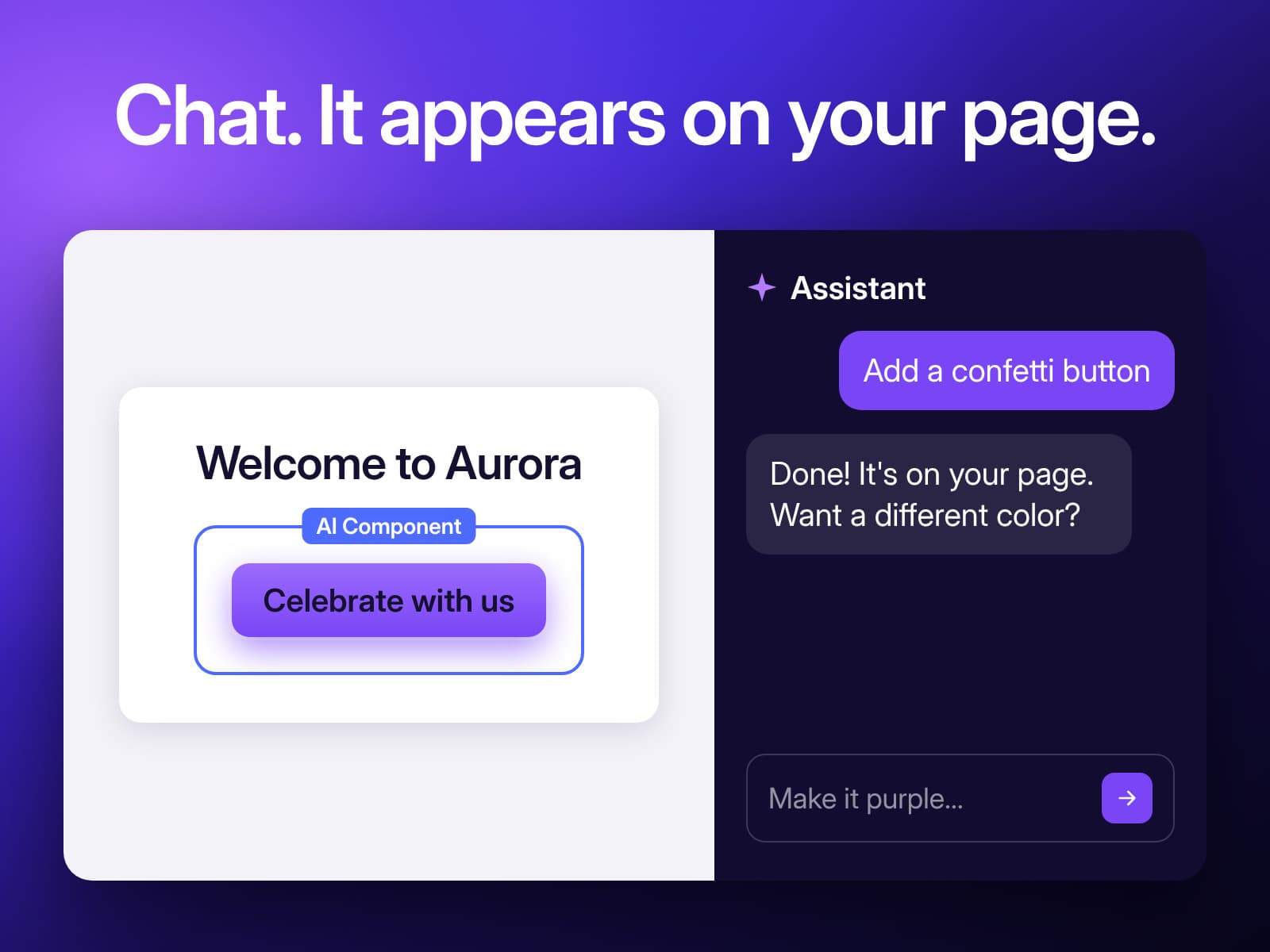
AI Components lets you create custom, working widgets for your site just by describing them in plain English. Ask for an animated countdown timer, a confetti button or a gradient hero banner, and the AI builds it right inside the editor. You see it running in a live preview, refine it by chatting, and publish when it looks right. No code, no designers and no copy-pasted snippets.
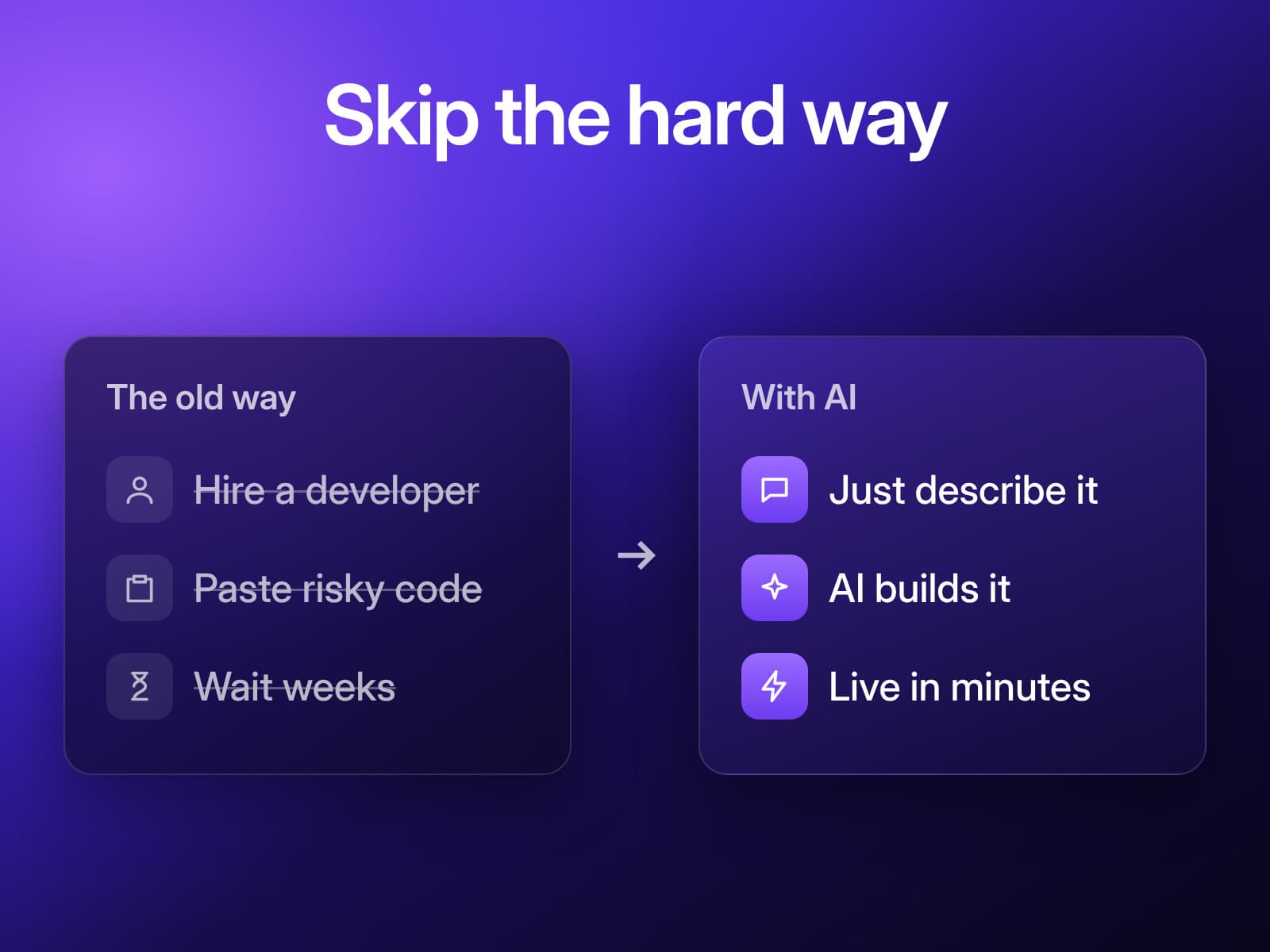
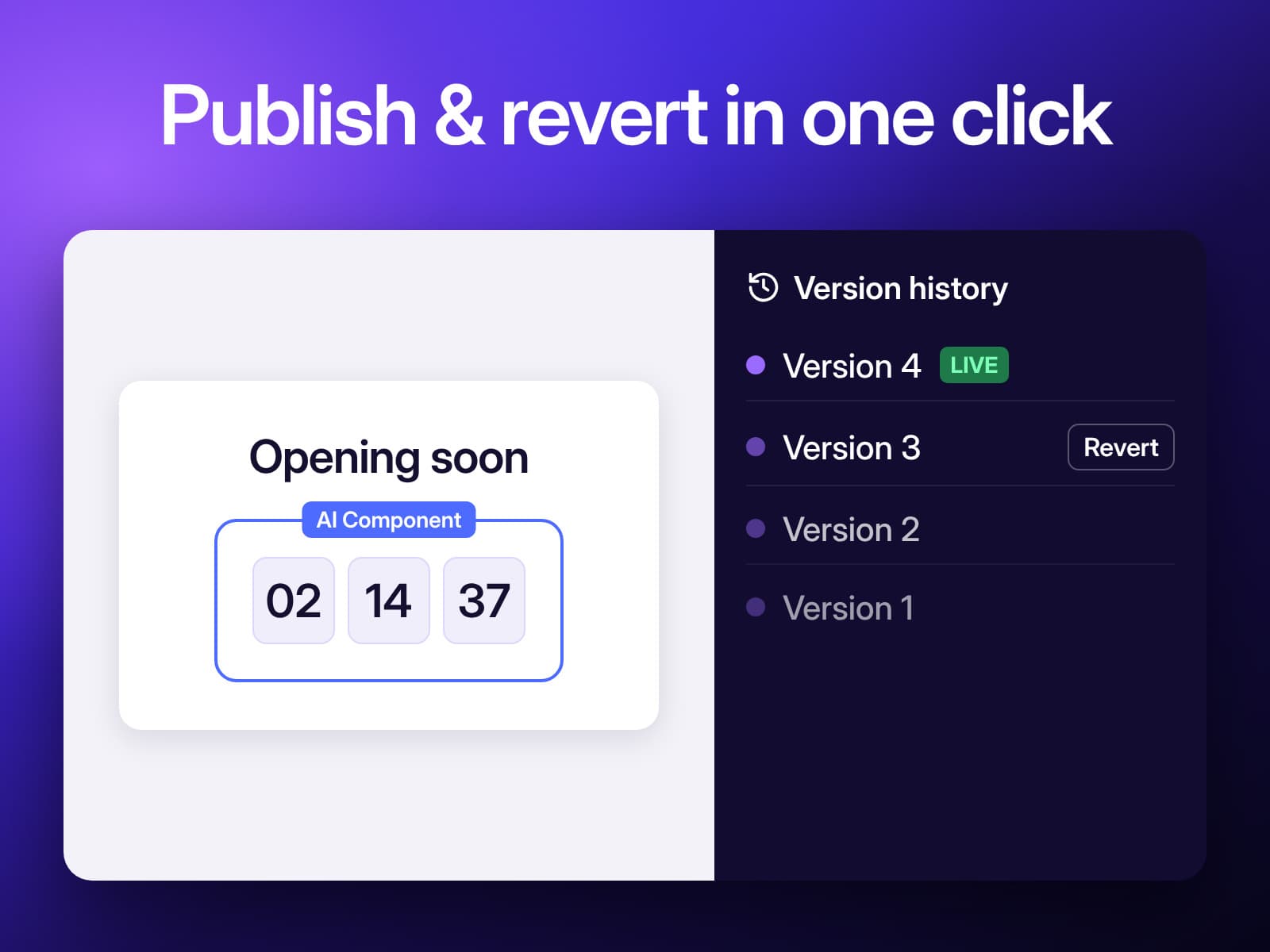
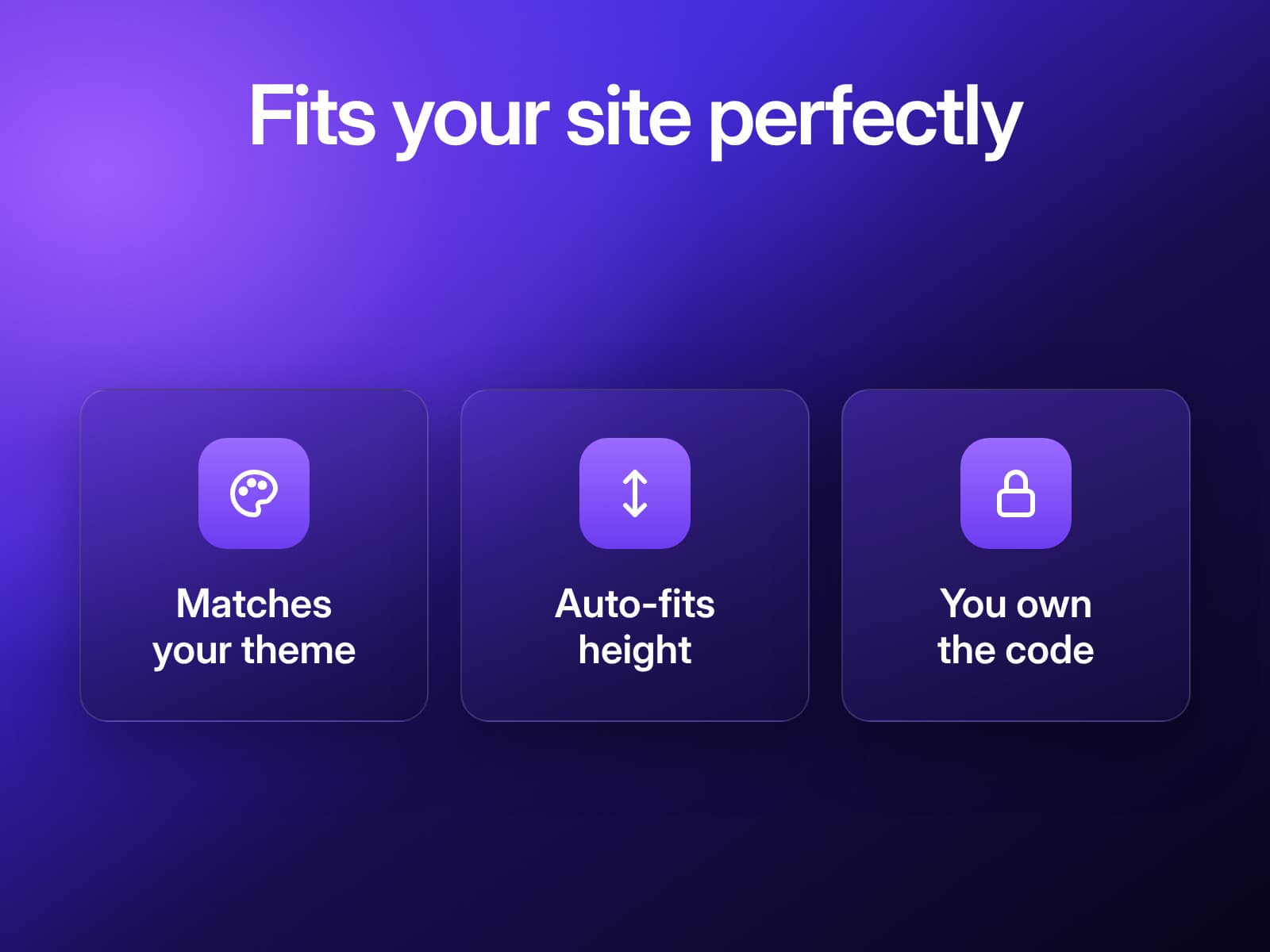
What sets AI Components apart is that every widget is built for your site, not picked from a template library. Widgets match your site's theme and size themselves to fit the layout, so they look like part of your design. Every published version is saved, so you can roll back anytime. Whether you need a small decorative touch or an interactive element no template offers, you get exactly what you imagined in minutes instead of weeks.
What you getwith AI Components: Custom Widgets
Build widgets by chatting with AI
Live preview, then publish in one click
Version history with instant revert
Auto-matches your site's theme and layout
See it beforeyou add it
Guides from Resources
All articles- GuideHow can I add an announcement bar to a Wix site with AI Components?Read more
- GuideHow can I add a custom accordion to a Wix service page with AI Components?Read more
- GuideHow can I add a simple event calendar widget to a Wix page with AI Components?Read more
- GuideHow can I add a confetti button to a Wix page with AI Components?Read more
- GuideHow can I add an animated countdown timer to a Wix page with AI Components?Read more
- GuideHow can I add a simple product finder quiz to a Wix site?Read more