
WhatsApp: Start Chat Button
Add a WhatsApp chat button to your site
- Communication

What it does
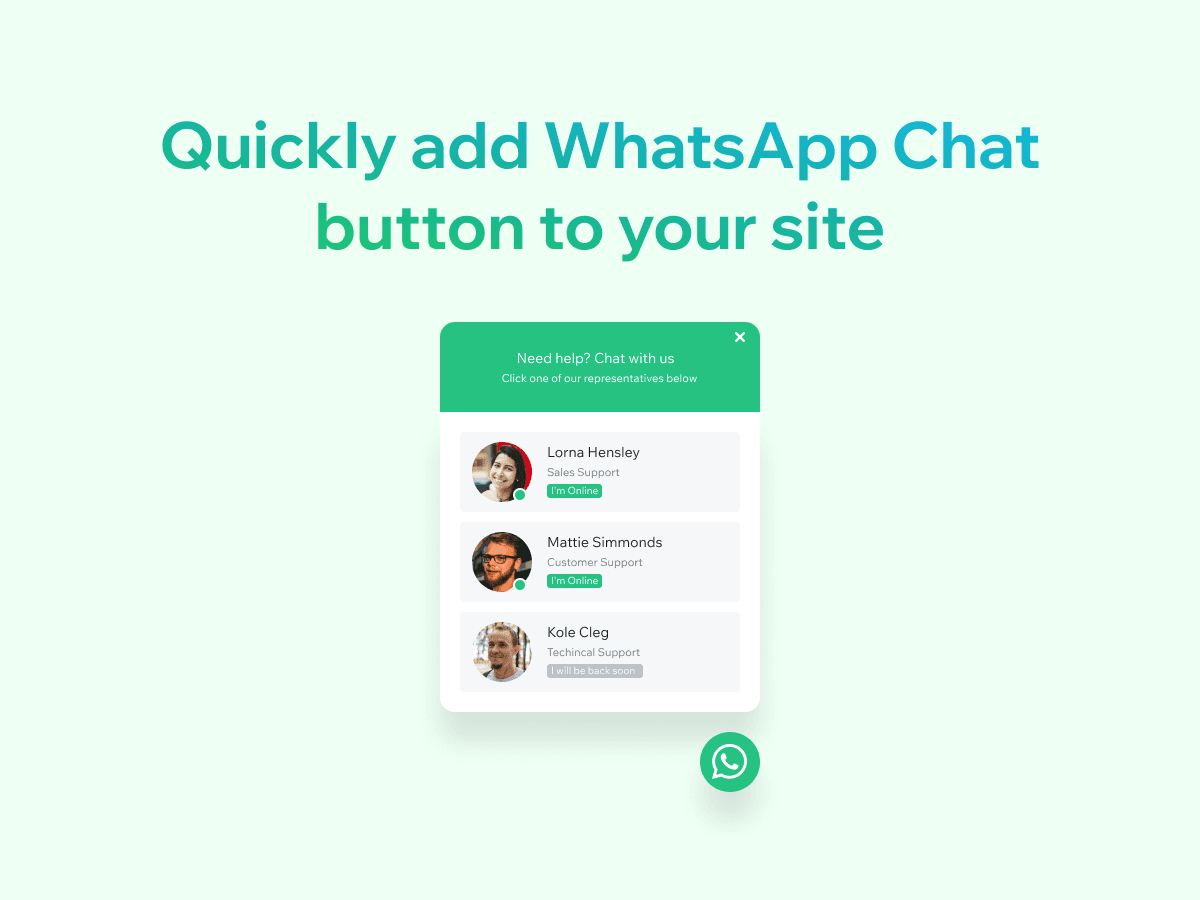
A WhatsApp button is the fastest way to turn site visitors into WhatsApp conversations. WhatsApp: Start Chat Button adds a one-tap chat button to any page on the App Market — stores, landing pages, portfolio sites, business sites, and booking pages — so visitors can start a chat on mobile or desktop. The button opens the WhatsApp app on mobile and WhatsApp Web on desktop, with a pre-filled message. No code, no Velo — drop-in install.
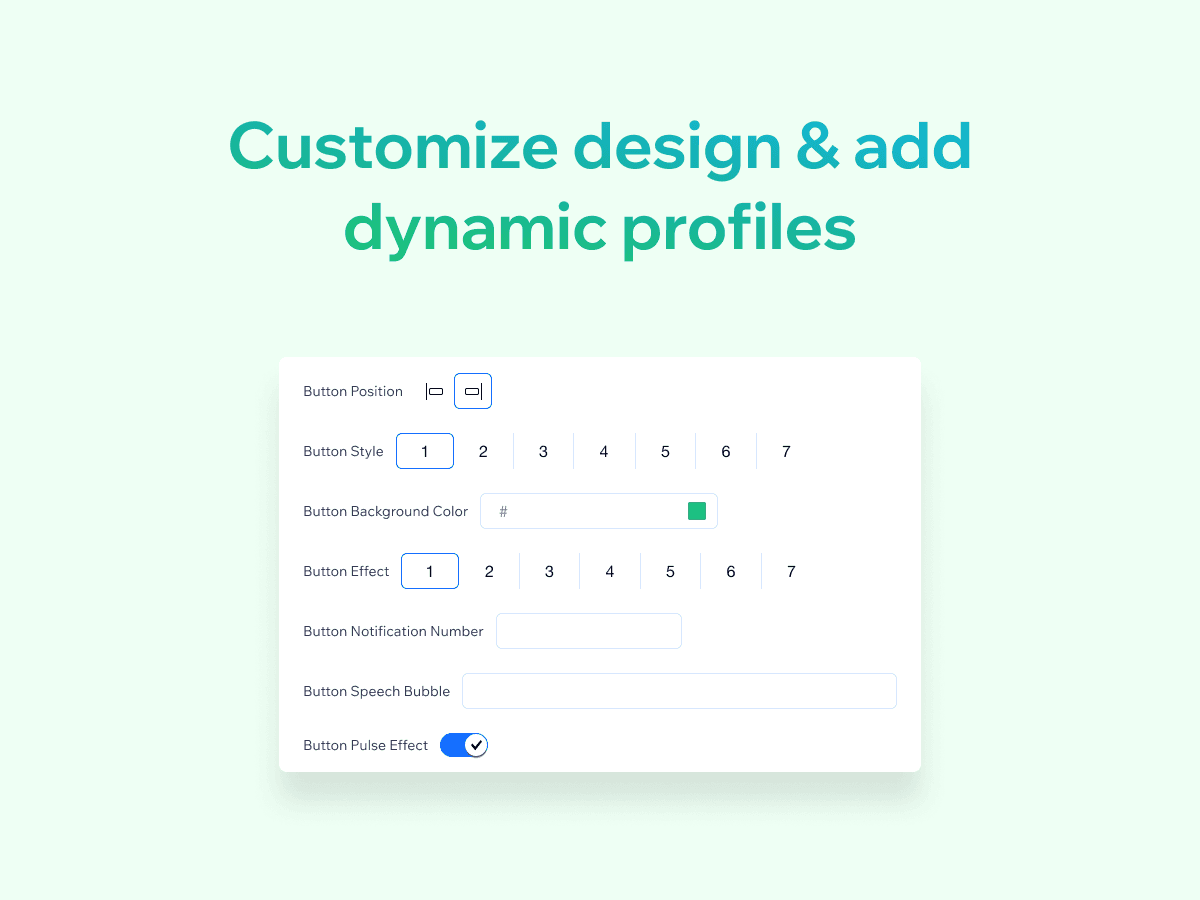
This is the best App Market app for a WhatsApp chat button if you want a native chat widget that does not require Velo or custom code. The widget comes in 10+ button styles with 100+ design combinations, supports multiple representative profiles with name, photo, and online status, and pre-fills the WhatsApp message. The app is for businesses that answer WhatsApp enquiries, agencies, and multi-staff teams.
Use cases include: store WhatsApp button for product questions, real-estate WhatsApp button for listing enquiries, restaurant WhatsApp button for reservations, agency WhatsApp button for client enquiries, and course WhatsApp button for student questions. A free button is available; an upgraded version adds customisation and priority support.
What you getwith WhatsApp: Start Chat Button
10+ button styles, 100+ design combinations, drag and drop — no code configuration
Multi-Platform Compatibility: Works seamlessly on both mobile and desktop, automatically opening the WhatsApp chat in the user's preferred method (app or web)
Pre-filled Messages: Set up default messages that appear within the chat window as soon as it opens, saving users time and effort
Multiple representative profiles with name, photo, and online or offline status
See it beforeyou add it
Guides from Resources
All articles- GuideHow to add WhatsApp: Start Chat Button to a Wix websiteRead more
- GuideWhatsApp: Start Chat Button vs other Wix WhatsApp chat appsRead more
- GuideWhatsApp Start Chat Button FAQ for Wix site ownersRead more
- GuideWhat is WhatsApp: Start Chat Button?Read more
- GuideBest settings for WhatsApp: Start Chat Button on WixRead more