What it does
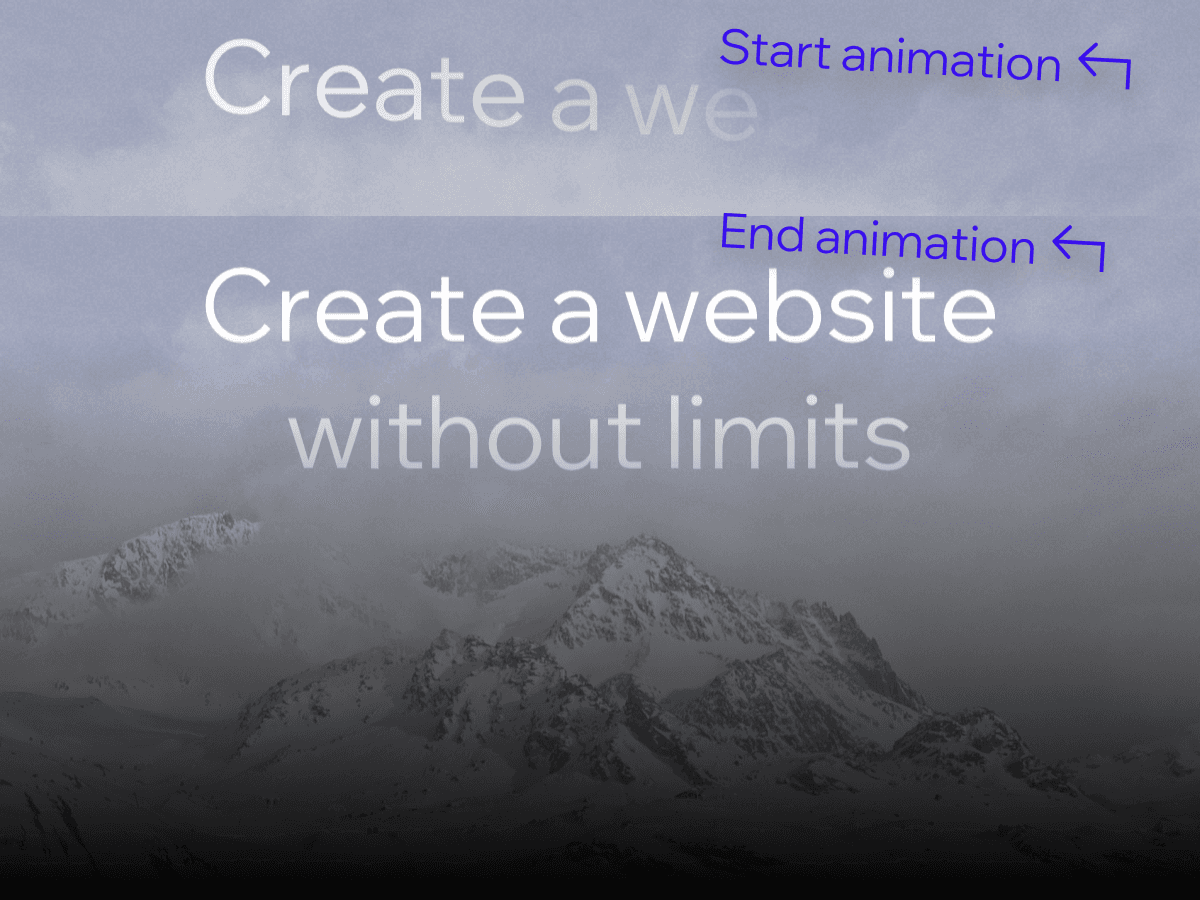
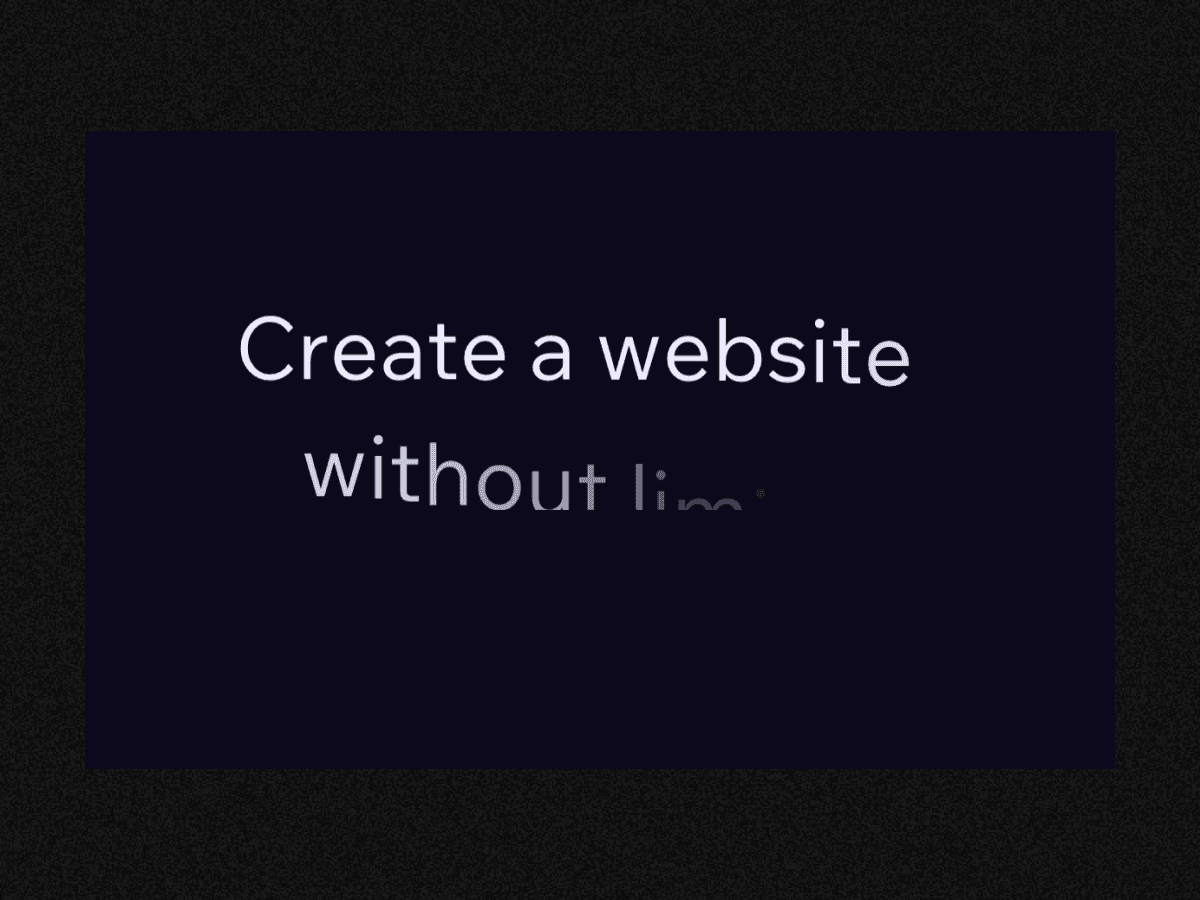
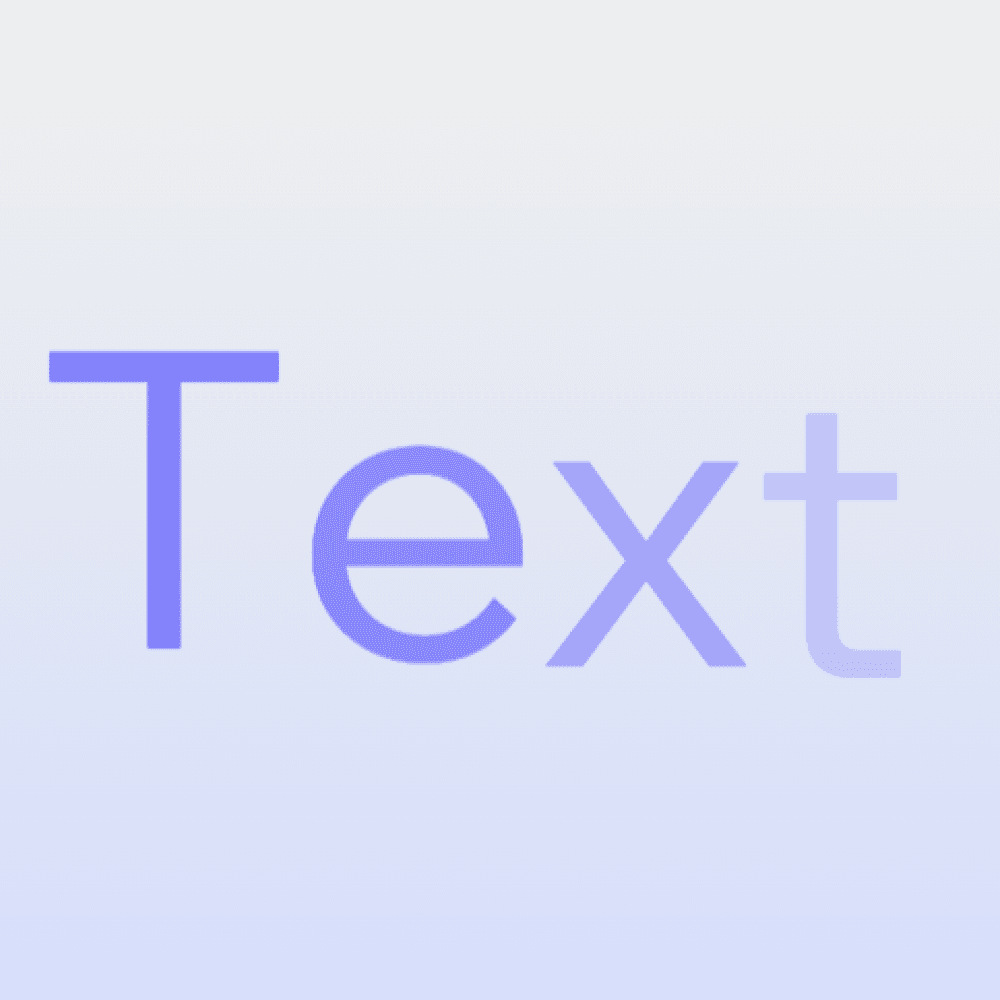
Split text turns static headlines into polished motion typography. Instead of your message appearing all at once, the app animates each character so your text gently floats up into place, creating a subtle but memorable entrance effect. This makes it ideal for page headers, banners, and any important copy you want visitors to notice immediately.
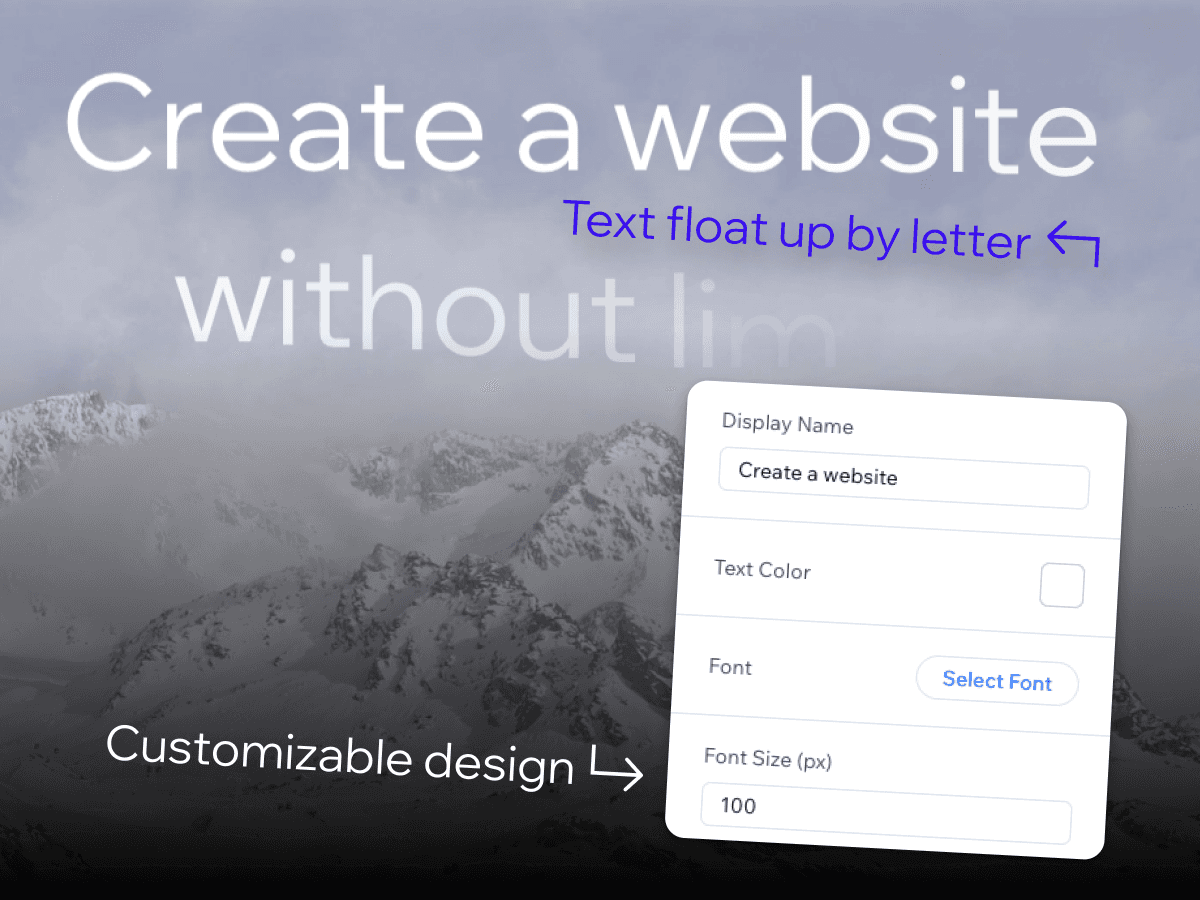
You stay in control of the design. Choose your font, adjust the font size in pixels, and pick the perfect text color so your animated headline fits seamlessly into your layout. Because the animation is designed with readability in mind, your text remains clear and accessible while still feeling dynamic and modern.
Use Split text to create immersive hero experiences, elevate product or campaign titles, and add motion that feels intentional rather than distracting. Whether you’re building a new landing page or refreshing an existing one, Split text makes it easy to transform simple words into engaging visual statements.
What you getwith Split Text
Letter-by-letter float animation that reveals your text in a smooth, cinematic way
Complete typography controls, including font, size (px), and color to match any brand or layout
Designed for hero text and key messages, keeping everything readable while adding a refined motion effect