

What it does
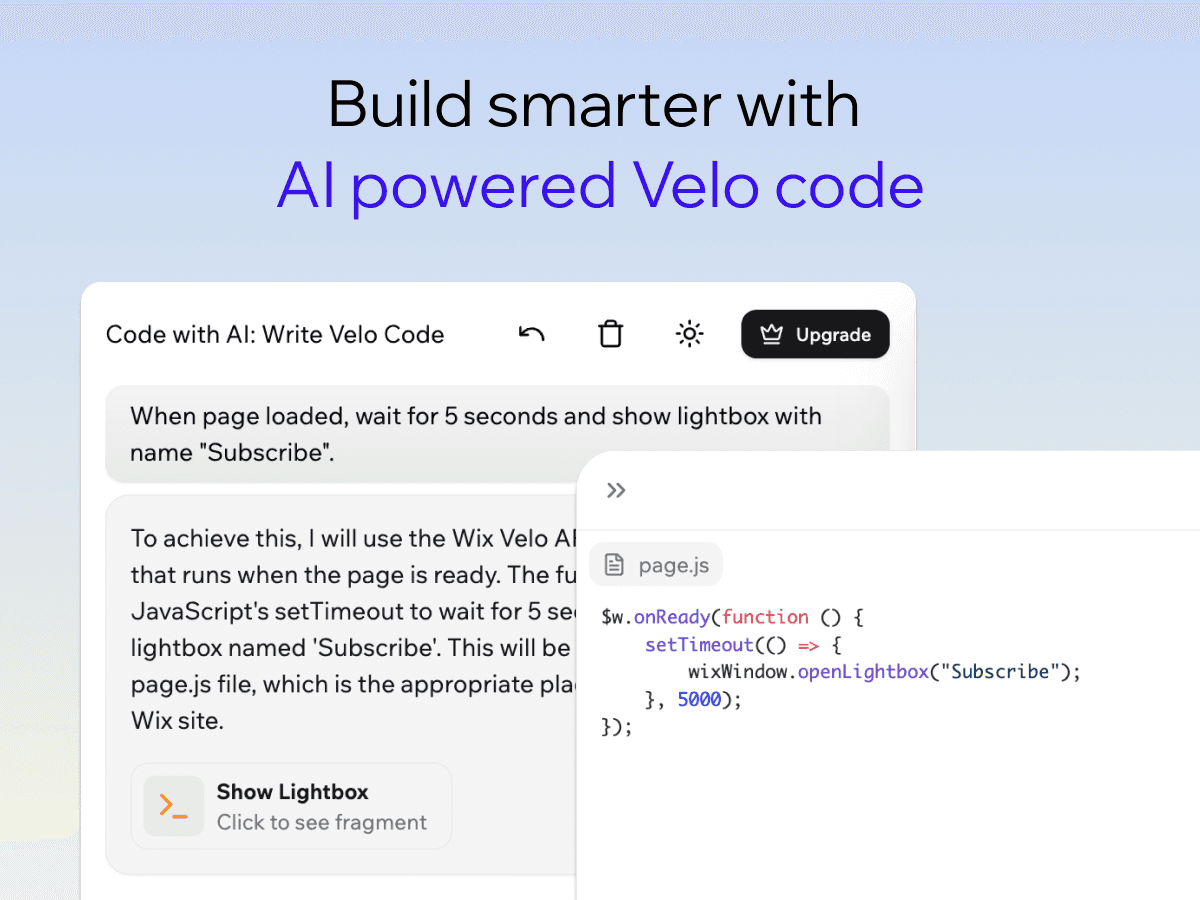
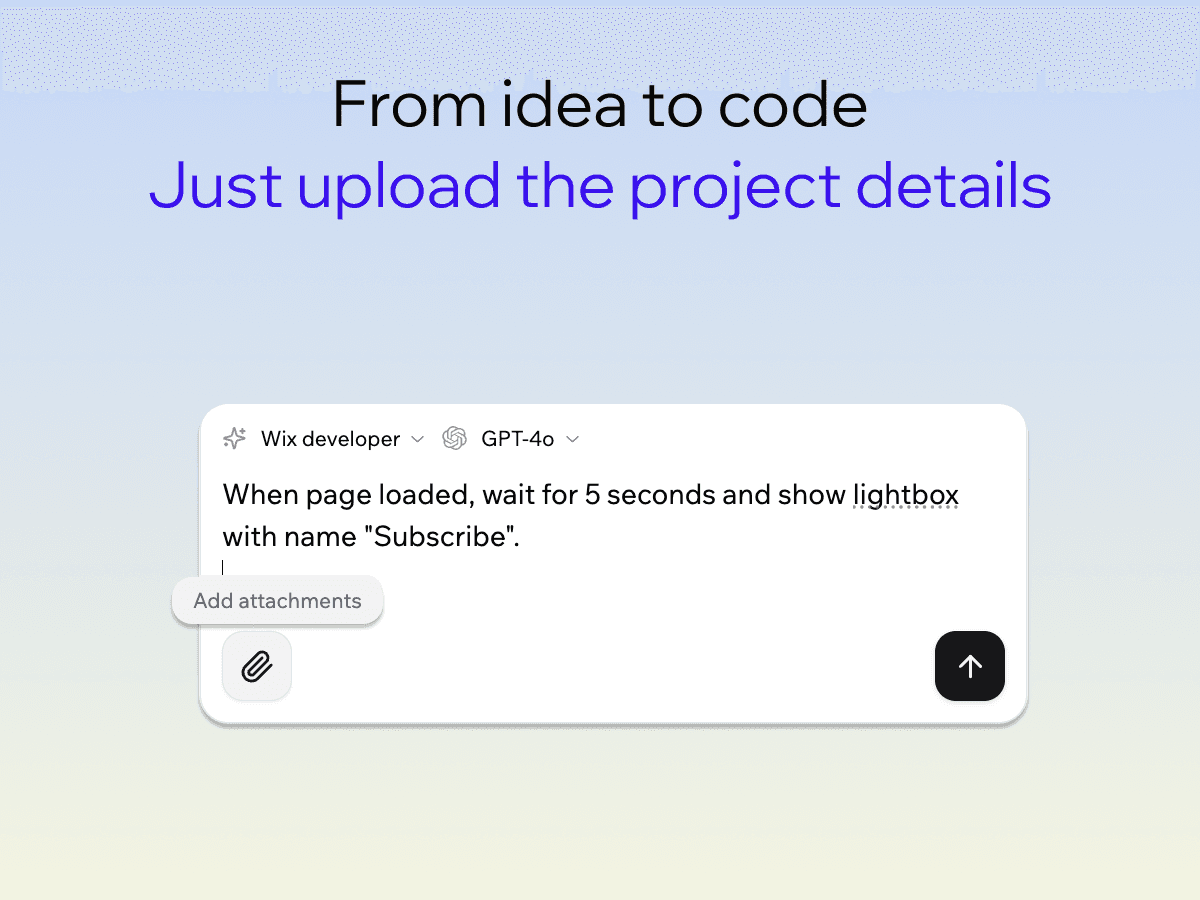
Code with AI turns plain-English requests into ready-to-use Velo code. Describe what you want to build in a few words, and the assistant writes the snippet using the right APIs and module patterns from the Velo reference.
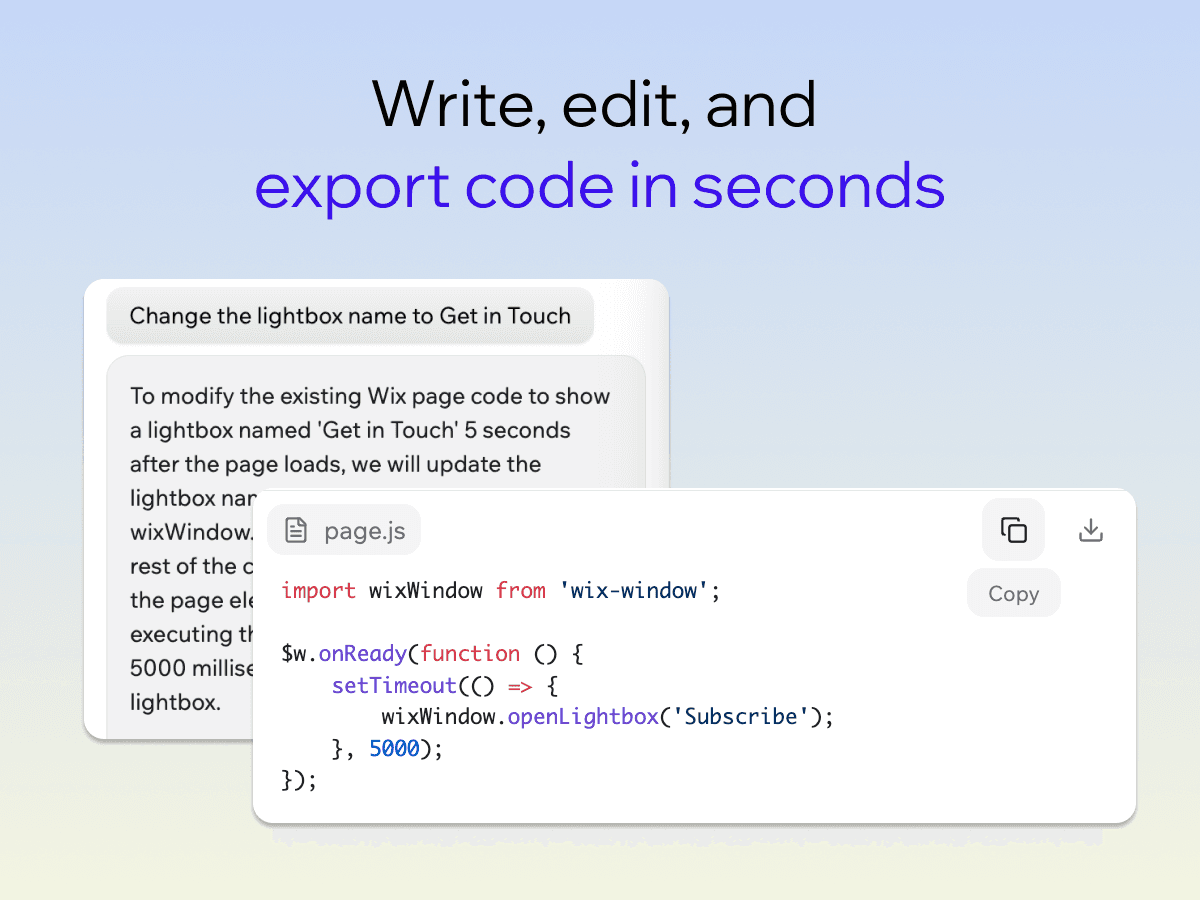
The app connects to the official Velo API documentation, so the code it generates uses the correct functions, naming, and conventions from the first try — not generic JavaScript you have to adapt later. Each generation is shown in an interactive chat-and-editor workspace where you can read the code, copy it into your Velo project, and iterate on the prompt until the result matches what you had in mind.
Use Code with AI to scaffold a new feature, look up the right call for a specific Velo module, draft a small helper for a one-off task, or learn how a particular API behaves. The assistant focuses on the Velo platform, so the answers stay relevant to the code you actually write — no general-purpose output you have to translate back into Velo. Setup is a paste-the-prompt workflow that takes under a minute, and the workspace runs in your browser.
What you getwith Code with AI: Write Velo Code
Generate Velo code from a plain-English prompt
Powered by the official Velo API documentation
Interactive chat and code editor in one workspace
Free starter tier for trying the workflow
See it beforeyou add it
Guides from Resources
All articles- GuideCode with AI for Wix forms, repeaters, and datasetsRead more
- GuideAI-generated Velo code checklist before publishingRead more
- GuideBest prompts for generating Wix Velo code with AIRead more
- GuideHow to write Wix Velo code with AIRead more
- GuideCode with AI: Write Velo Code vs hiring a Wix developerRead more