Clock: Time, Countdown & More
Live clock, countdown, date — drop in, no code
- Design Elements
What it does
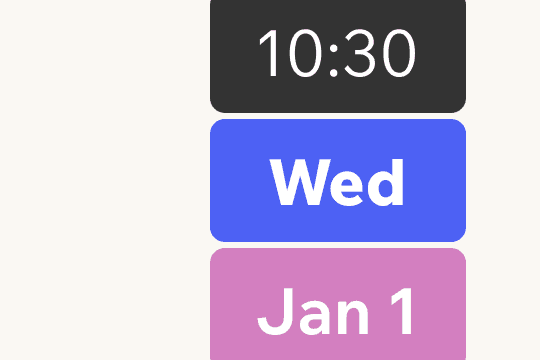
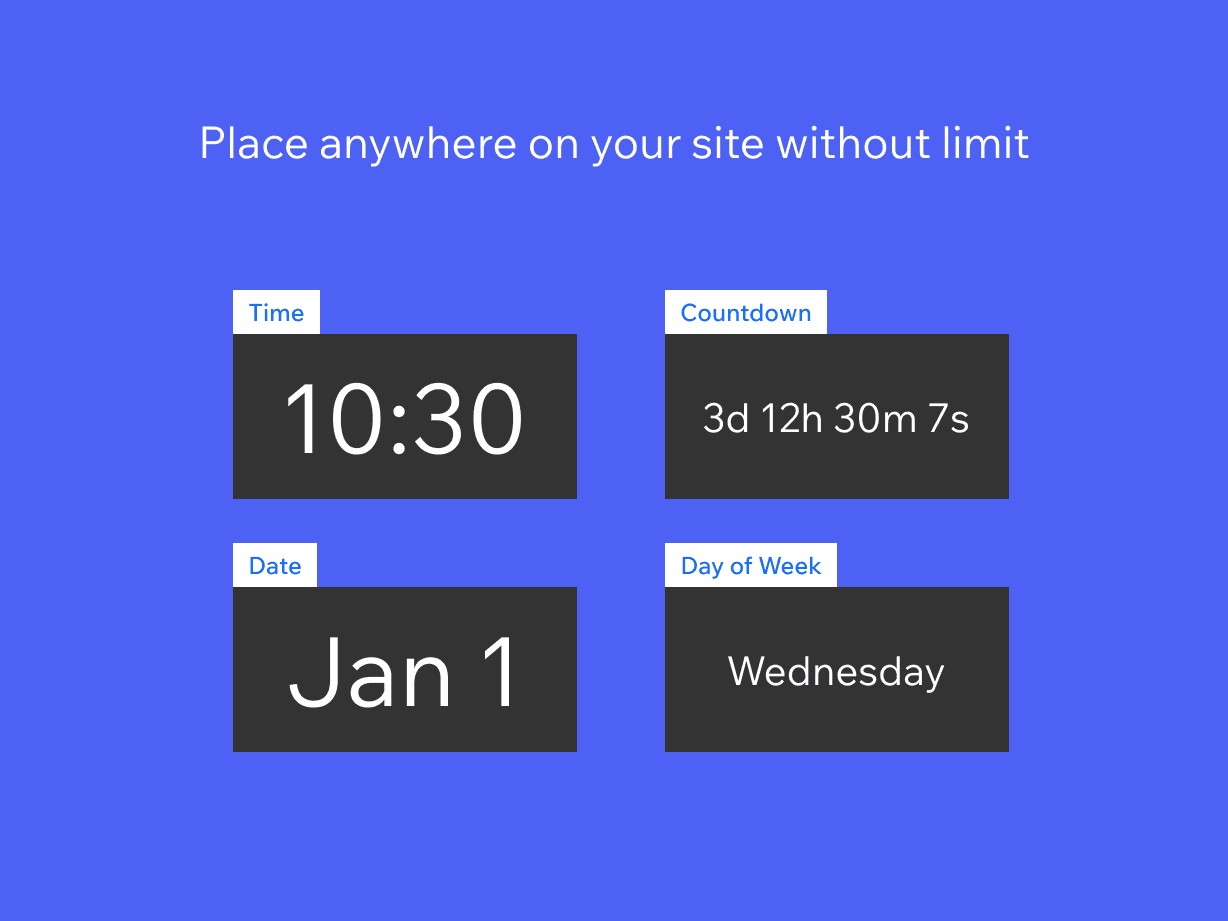
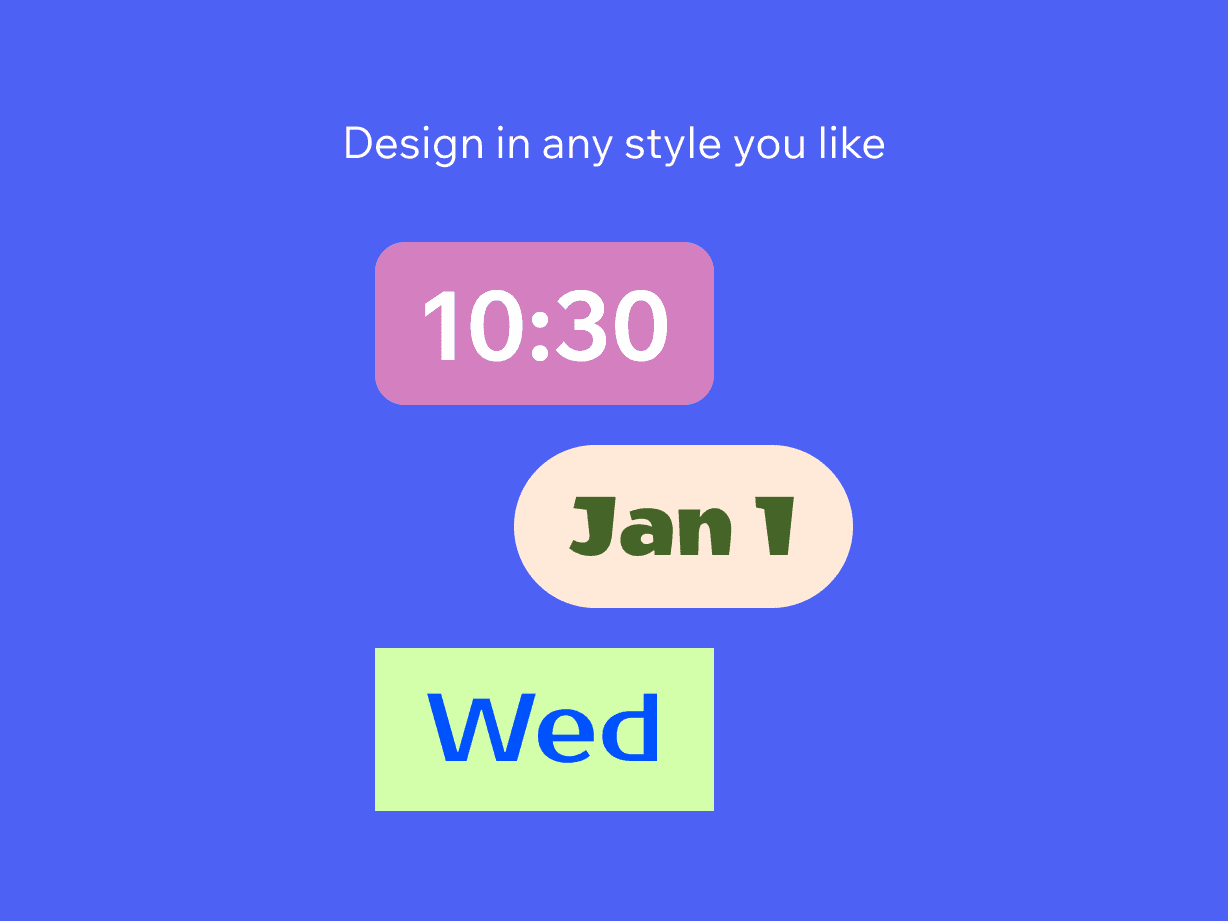
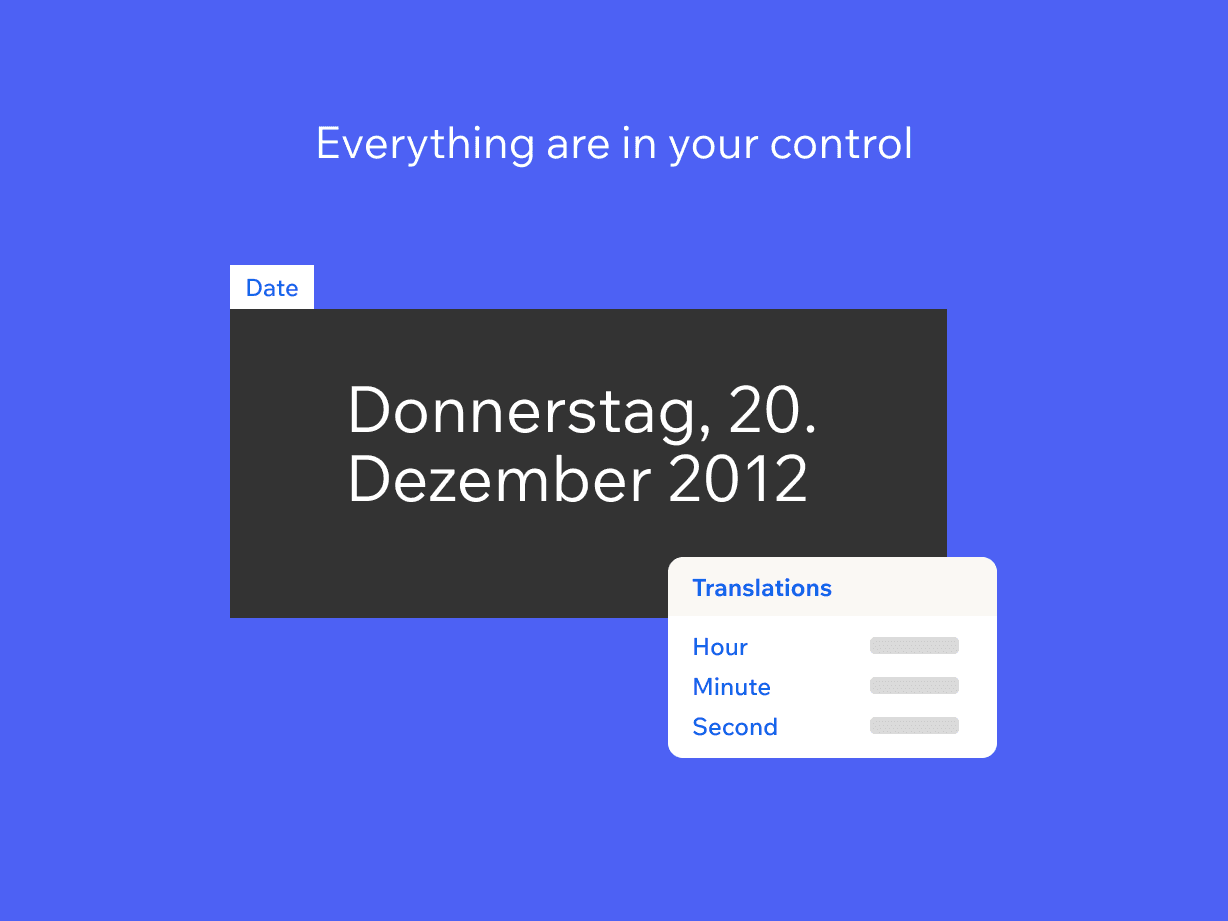
Add a live clock to any page of your site in seconds. The app shows the current time, day of the week, and date with a clean, customizable display that adapts to your brand. Drop the widget into the editor, pick a style, and publish — no code, no API key, and no developer needed. Build anticipation with countdown timers for product launches, sales, weddings, or any event: set a target date and the timer updates itself until zero. The clock renders in 49+ languages, so visitors see the time in the format and language they expect, whether your audience is local or global. Choose between a digital and an analog style, and tune the colors, font, and sizing to match your theme. Each clock and countdown is mobile-friendly and keeps its layout on phones, tablets, and desktops. The app also includes Pro clock widgets for sites that want a more polished look, along with priority support from a real team when you need a hand.
What you getwith Clock: Time, Countdown & More
Real-time clock display in 49+ languages
Countdown timers for events and product launches
Digital and analog Pro clock widgets
Customizable date format and styling
See it beforeyou add it
Guides from Resources
All articles- GuideCountdown timer ideas for Wix sales, launches, and eventsRead more
- GuideHow to add a world clock or live time widget to WixRead more
- GuideHow to add a countdown timer to a Wix websiteRead more
- GuideClock widgets for Wix: countdowns, time displays, and date formatsRead more
- GuideBest countdown timer settings for Wix events and launchesRead more