
PDF: View with 3D Flip Effects
Turn any PDF into a stunning 3D flipbook
- Media & Content


What it does
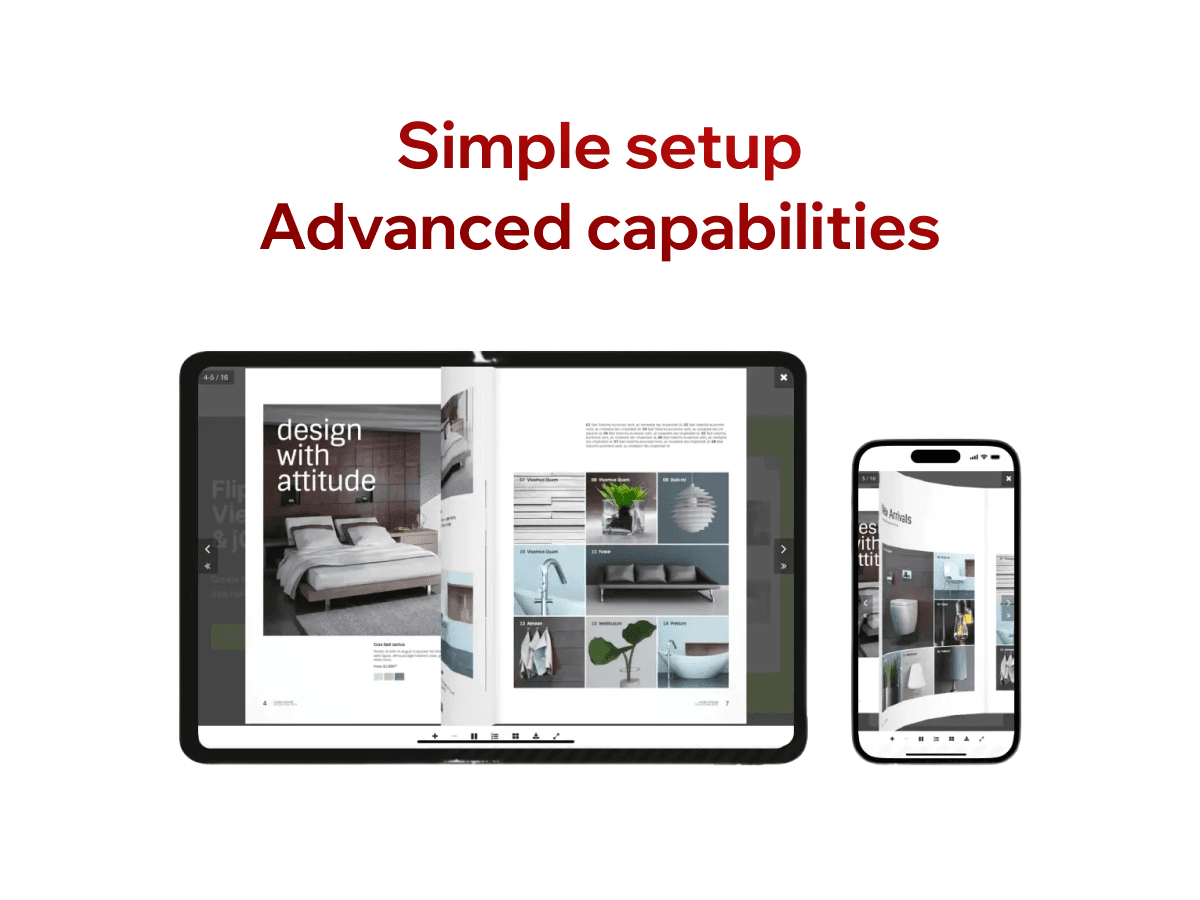
PDF: View with 3D Flip Effects turns any PDF into an interactive 3D flipbook that visitors can flip through, search, share, and download — no design or coding work required.
Upload a PDF and the viewer renders it as a realistic, animated book. Readers flip pages with a click, a swipe, or a keyboard arrow. Pages load in chunks, so even a 200-page catalog opens almost instantly and stays responsive.
Make it look like your site. Pick a light, dark, or gradient skin, choose a single- or two-page spread, and show or hide the menu, thumbnails, table of contents, bookmarks, sound, share, and download controls. Change every label to match your brand or your language. Toggle transparency so the viewer blends with your page.
Read anywhere. The viewer is fully responsive on phones, tablets, and desktops. Add deep links so a share jumps straight to a specific page. Let readers print, download the whole PDF, or just the pages they need.
Track views with a Google Tag, drive the viewer from your own code with the widget API, or remove the platform branding for a white-label experience.
Works in 49 languages out of the box. No watermarks on any plan.
What you getwith PDF: View with 3D Flip Effects
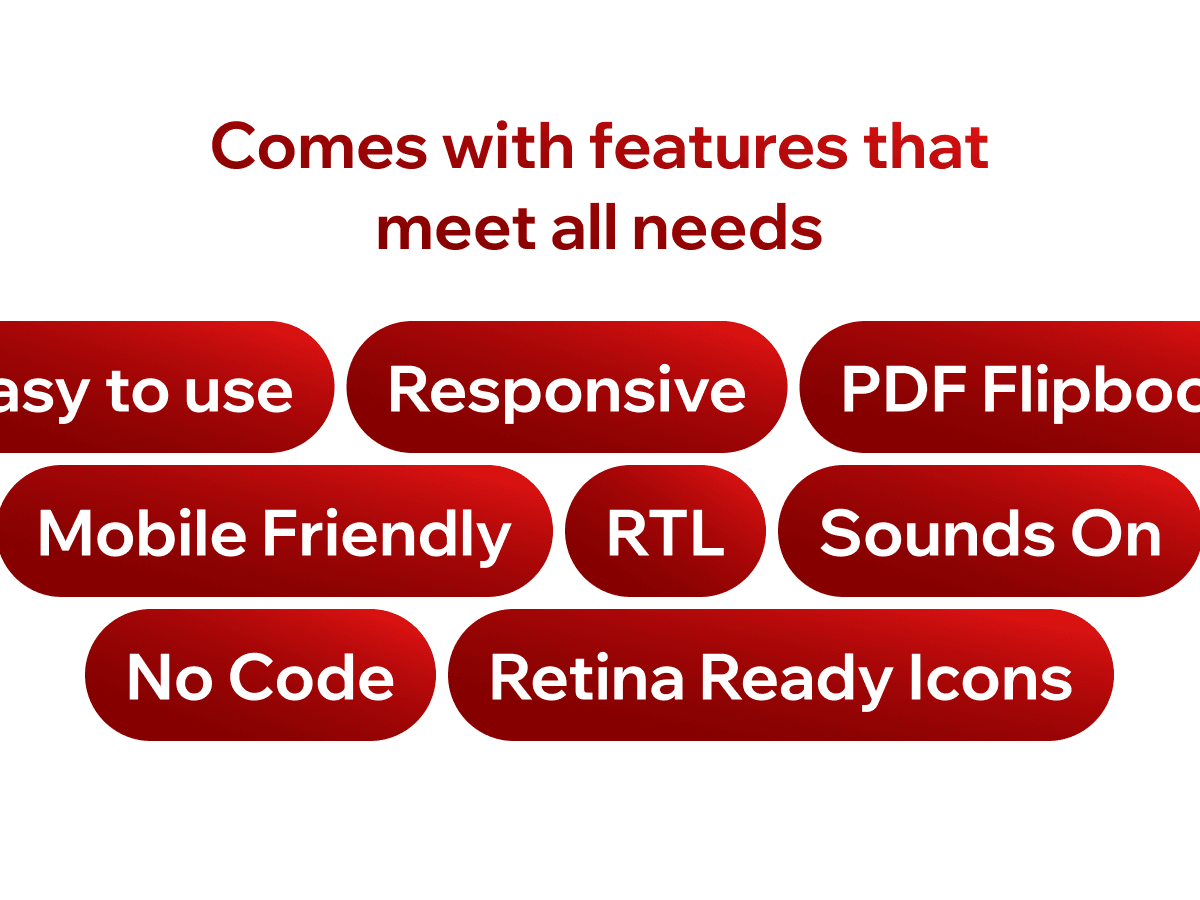
3D flipbook animation: turn any PDF into a real page-flipping book
Lightning-fast loading with no watermarks, even on the free plan
Fully customizable: skins, layouts, viewer controls, and labels
Responsive on every device, with download, print, and share built in
See it beforeyou add it
Guides from Resources
All articles- GuideBest ways to show menus, catalogs, and brochures as PDFs on WixRead more
- GuidePDF: View with 3D Flip Effects vs other Wix PDF viewer appsRead more
- GuideWix PDF Viewer is no longer supported: what to use insteadRead more
- GuideBest settings for PDF: View with 3D Flip Effects on WixRead more
- GuideHow to add a 3D PDF flipbook to a Wix websiteRead more
- GuideHow do I add a PDF to my Wix website?Read more