
Guard: Protect Content Quickly
Protect text, images, and code effortlessly
- Media & Content

What it does
Introducing Guard – the solution to your digital content security concerns. Protect your text and images effortlessly with Guard's advanced features:
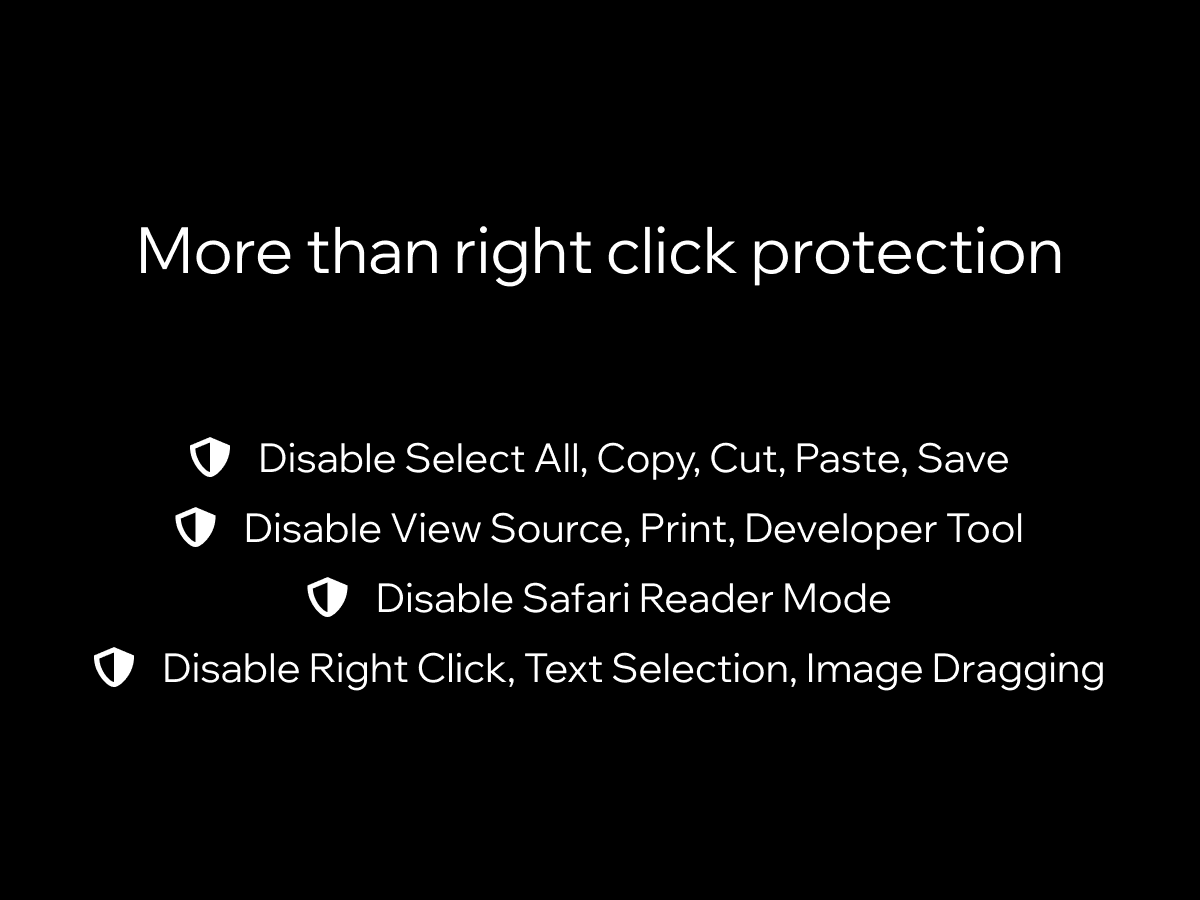
Disable Select All, Copy, Cut, Paste, Save: Block common hotkeys (Ctrl/⌘) to prevent unauthorized copying and saving.
Disable View Source, Print, Developer Tool: Secure your source code and page integrity by disabling access.
Disable Safari Reader Mode: Safeguard your content from copying in Safari's reader mode.
Disable Right Click, Text Selection, Image Dragging: Fortify your assets by restricting common actions.
Guard ensures your intellectual property stays safe and sound – your digital security companion.
Disclaimer: The Guard app does not guarantee that site visitors will not be able to copy site content, as it is impossible. We've implemented features to reduce the chance and make it harder for others to copy your content.
What you getwith Guard: Protect Content Quickly
Copy Protection - Guard secures your content by disabling common hotkeys, preventing unauthorized copying and pasting
Source Code Defense - Keep your code confidential with the ability to disable view source and developer tool access
Media Security - Safeguard images and text from right-click copying and dragging, ensuring your digital assets remain protected
Browser Compatibility - Guard works seamlessly across popular browsers, ensuring consistent protection for your content
See it beforeyou add it

Guides from Resources
All articles- GuideBest Wix Content Protection Widget for publishers, course creators, and private content ownersRead more
- GuideContent Protection Widget Use Cases for Wix SitesRead more
- GuideGuard: Protect Content Quickly Setup Ideas for Higher-Converting Wix PagesRead more
- GuideContent Protection Widget for Small Business Wix WebsitesRead more
- GuideHow Guard: Protect Content Quickly Can Improve Wix Site EngagementRead more